Storage Stops Being a Single Drive Decision
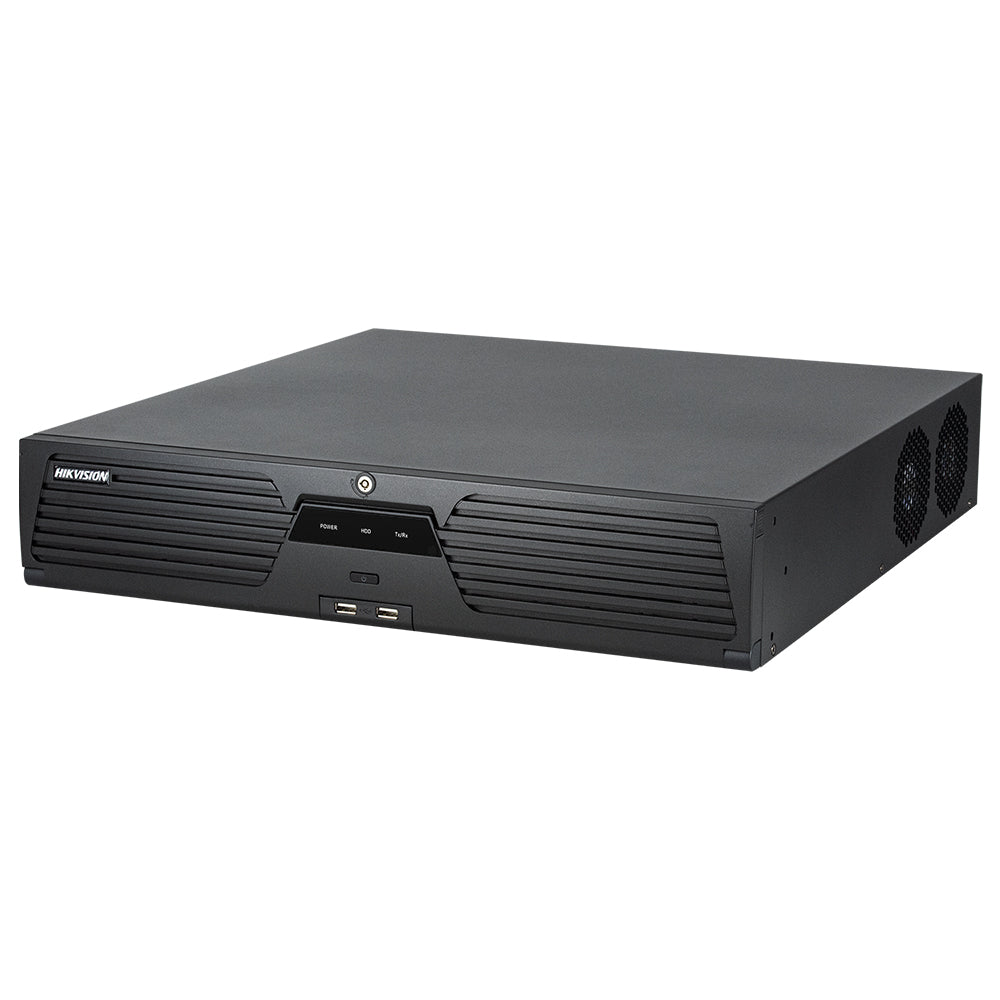
On a 64-channel system, storage is a subsystem rather than a component. Multi-bay models let you build capacity across several drives, and how you configure those drives affects usable space, fault tolerance, and what happens when a disk fails at 2 a.m.
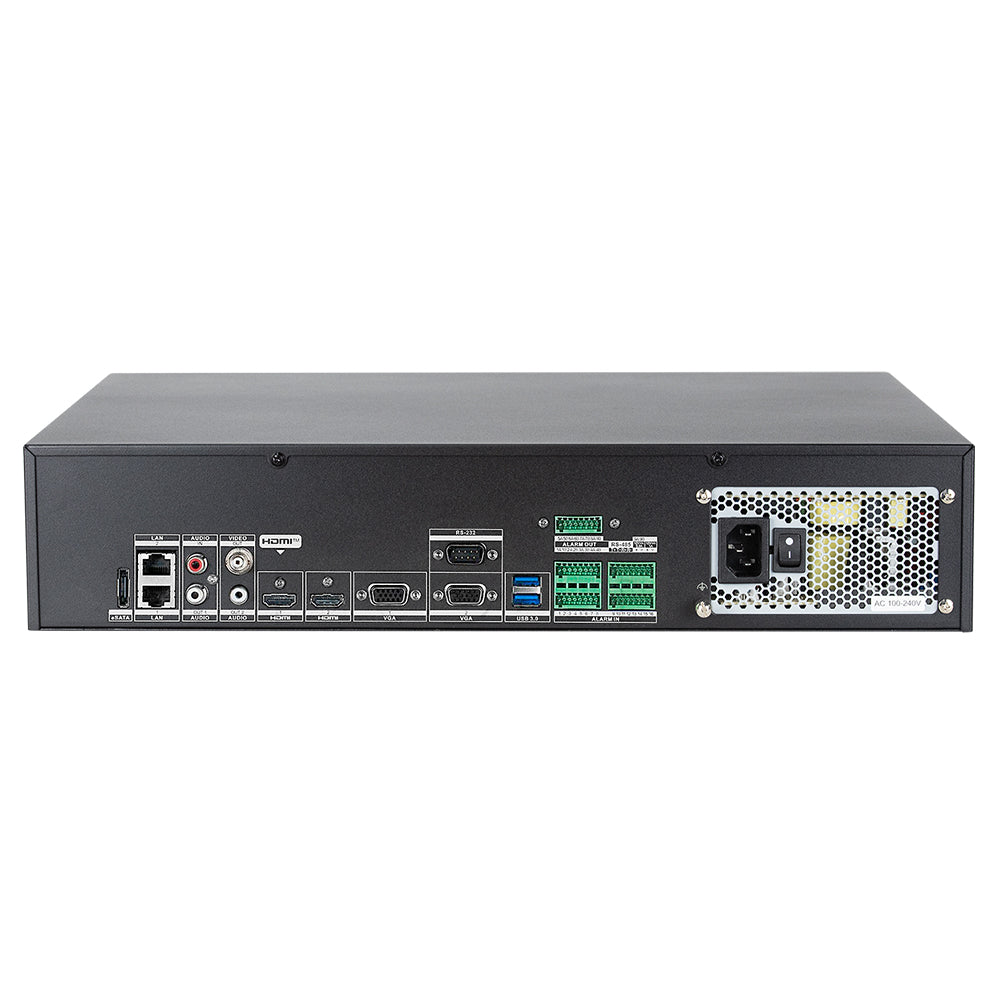
Drive bay count and supported RAID levels vary across the 64-channel range. Verify both on the specific model before committing to a retention target — do not assume a bay count from the channel count.
What RAID Costs You in Usable Capacity
RAID protects against drive failure by reserving capacity for parity. That reserved space is not available for recording, so plan around usable capacity rather than raw capacity.
RAID 6 costs 16 TB of usable space compared with no redundancy — roughly a quarter of the array. That trade is usually worth making on large arrays, because rebuild time after a failure grows with drive size. During a RAID 5 rebuild on high-capacity disks, a second drive failure means total array loss; RAID 6 survives it.
Retention Policy Beats Raw Capacity
Applying one retention period to all 64 channels forces the whole system down to whatever the storage budget allows. Segmenting retention by camera purpose usually delivers longer coverage where it matters:
- Extended retention — cash handling, controlled access points, high-value storage, and any area subject to regulatory or insurance requirements
- Standard retention — general circulation, parking, and perimeter cameras
- Short retention — process monitoring, plant areas, and cameras that exist for live operational awareness rather than investigation
Most Hikvision recorders in this tier support per-channel or group-based recording schedules, letting high-priority zones record continuously while lower-priority channels record on event triggers.
Practical Array Design Notes
A few decisions save trouble later on large arrays:
- Use surveillance-rated drives. Desktop drives are not specified for continuous multi-stream writes and behave poorly under sustained load in multi-bay enclosures.
- Match drive models within an array. Mixed capacities typically level down to the smallest drive, and mixed firmware behaviour complicates rebuilds.
- Reserve a hot spare if the model supports it. Rebuilding starts automatically instead of waiting for someone to notice the alert and source a replacement.
- Enable and monitor S.M.A.R.T. alerts. On a 64-channel system nobody checks drive health manually; the first sign of a problem should be a notification, not missing footage.
- Understand that RAID is not backup. It protects against drive failure, not accidental deletion, fire, theft, or ransomware. Critical evidence should be exported to separate storage.
Sizing the Array Against Your Retention Target
Work backwards from the requirement rather than forwards from the hardware:
- Determine the retention period each camera group must meet
- Calculate daily storage consumption per group from its bitrate and recording mode
- Multiply out to the full retention window
- Add the RAID parity overhead for your chosen level
- Add headroom — arrays operating near capacity fragment and degrade
If the resulting figure exceeds what the bays support, the options are shorter retention, lower bitrates on lower-priority groups, more event-based recording, or expansion storage such as an eSATA or network-attached unit on supported models.