Why Choose Hikvision AcuSense Cameras?
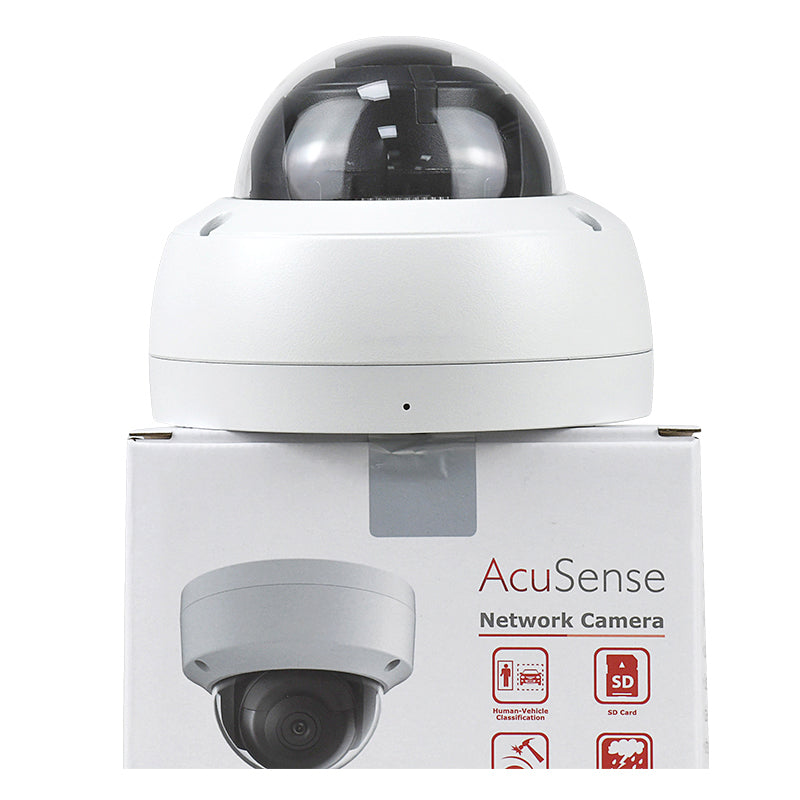
Traditional motion detection can trigger an alert whenever something moves. AcuSense takes a more focused approach by identifying whether the movement involves a person or vehicle.
This helps reduce time spent checking unnecessary alarms.
More Relevant Motion Alerts
AcuSense Motion Detection 2.0 classifies moving objects as people, vehicles or other objects. It filters out unwanted movement so users can focus on the target types they want to monitor.
Custom Perimeter Alerts
AcuSense also supports perimeter protection. Installers can draw virtual lines or mark restricted areas and set alerts for people or vehicles crossing those boundaries.
Faster Video Review
AcuSense identifies human and vehicle events, making recorded footage easier to organize. Hikvision AcuSense NVRs support target-based video searches, helping users find relevant clips without reviewing hours of unrelated footage.
Motion Detection 2.0 vs. Perimeter Protection
Both features use AI to identify people and vehicles. The key difference is what triggers an alert.
Motion Detection 2.0
Motion Detection 2.0 detects human and vehicle movement within the camera's monitored scene.
For example, a camera overlooking a driveway can detect a person walking through or a vehicle entering while filtering out movement from nearby trees.
Hikvision's Motion Detection 2.0 is enabled by default, reducing the initial setup needed for basic smart motion monitoring.
Perimeter Protection
Perimeter Protection is designed for locations where movement across a specific boundary matters.
Installers can draw a virtual line across an entrance or define a restricted area. The camera then detects when a person or vehicle crosses the line or enters the marked zone.
For example, the DS-2CD2143G2-I supports line crossing and intrusion detection with human and vehicle classification.
Motion Detection 2.0 focuses on movement within the scene. Perimeter Protection focuses on activity that breaks a defined security rule.
[Optional: Official Hikvision AcuSense demonstration video]
How to Choose a Hikvision AcuSense Camera
The key decisions are the type of event to detect, the area being monitored and whether additional features are needed.
Identify Your Detection Requirements
For general movement monitoring, Motion Detection 2.0 identifies human and vehicle activity while filtering out unrelated motion.
For restricted entrances, fences or warehouse boundaries, Perimeter Protection allows specific line-crossing and intrusion rules.
The DS-2CD2143G2-I supports both human and vehicle motion classification and perimeter protection rules. These functions run on the camera itself.
Match the Camera to the Monitoring Area
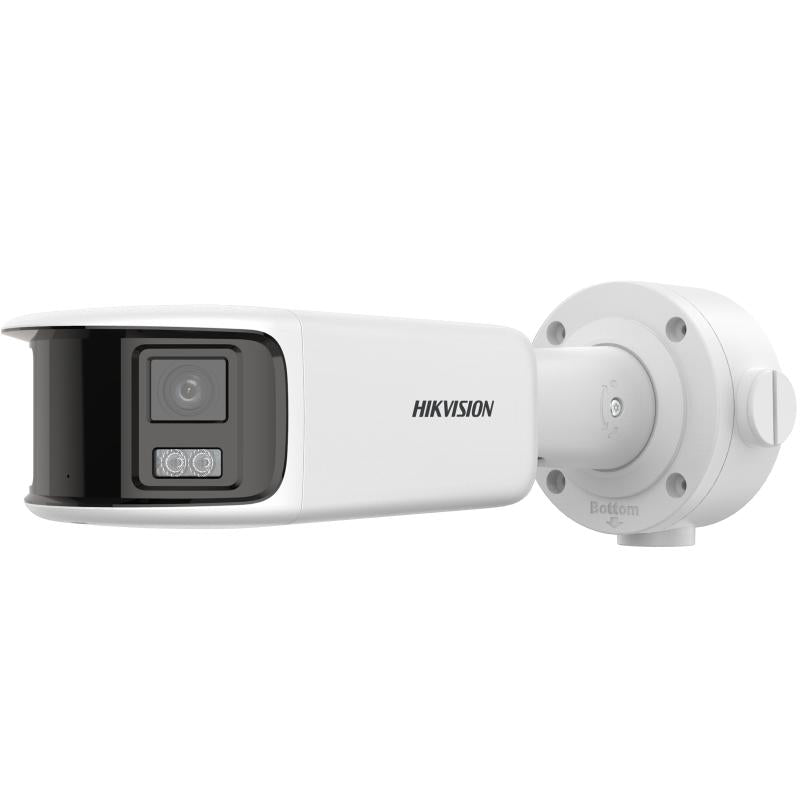
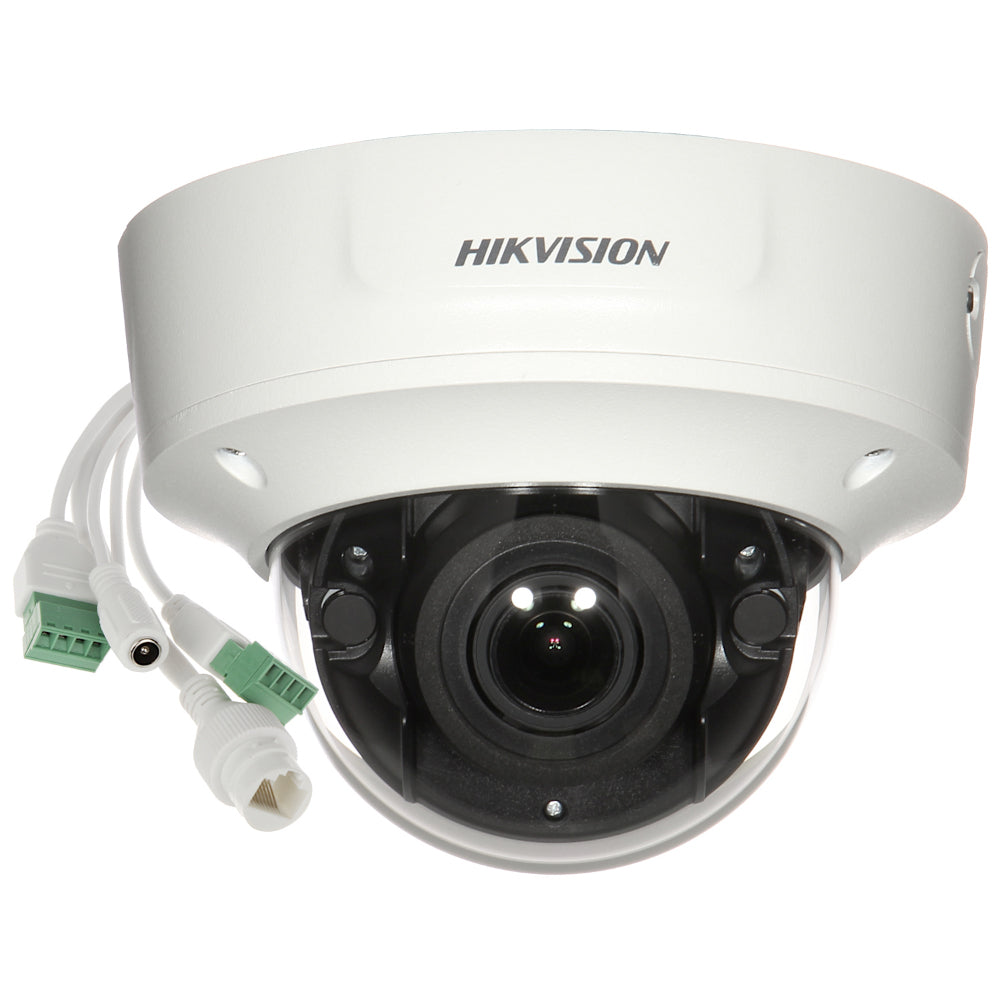
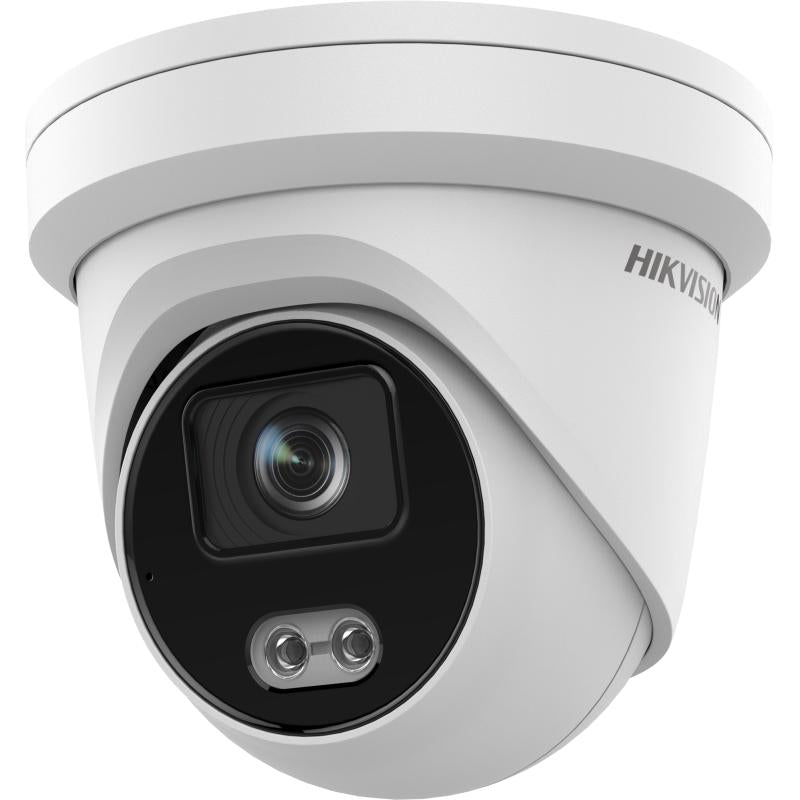
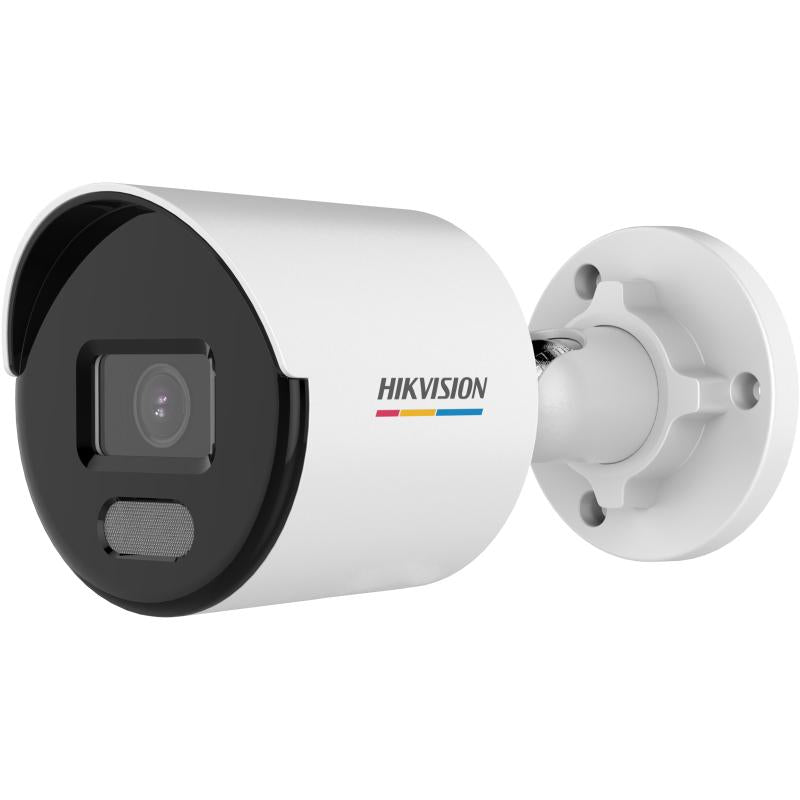
Hikvision AcuSense cameras come in different housing and lens configurations.
Dome Cameras
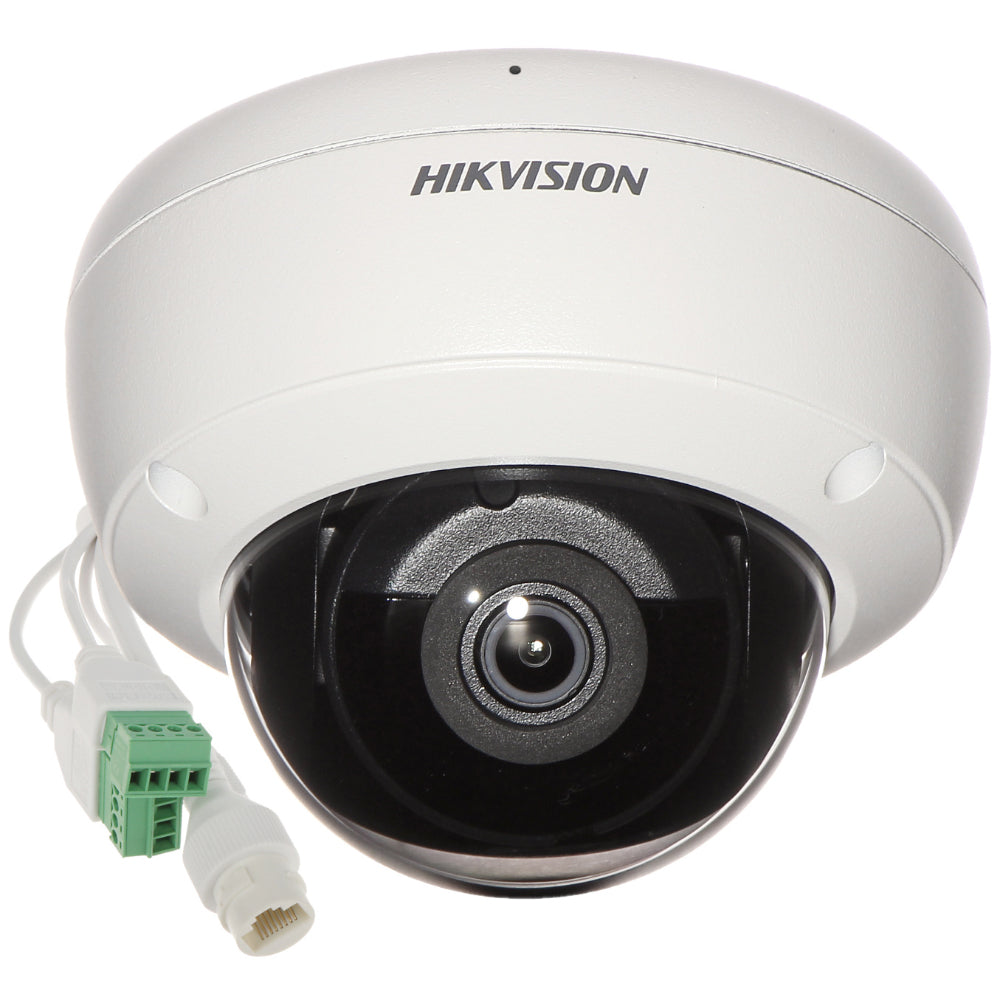
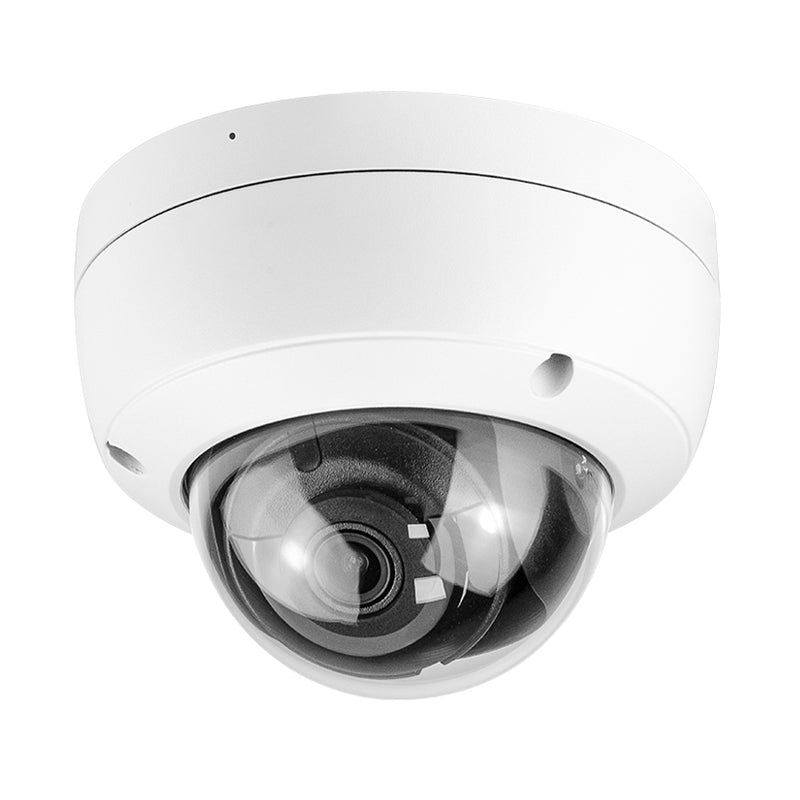
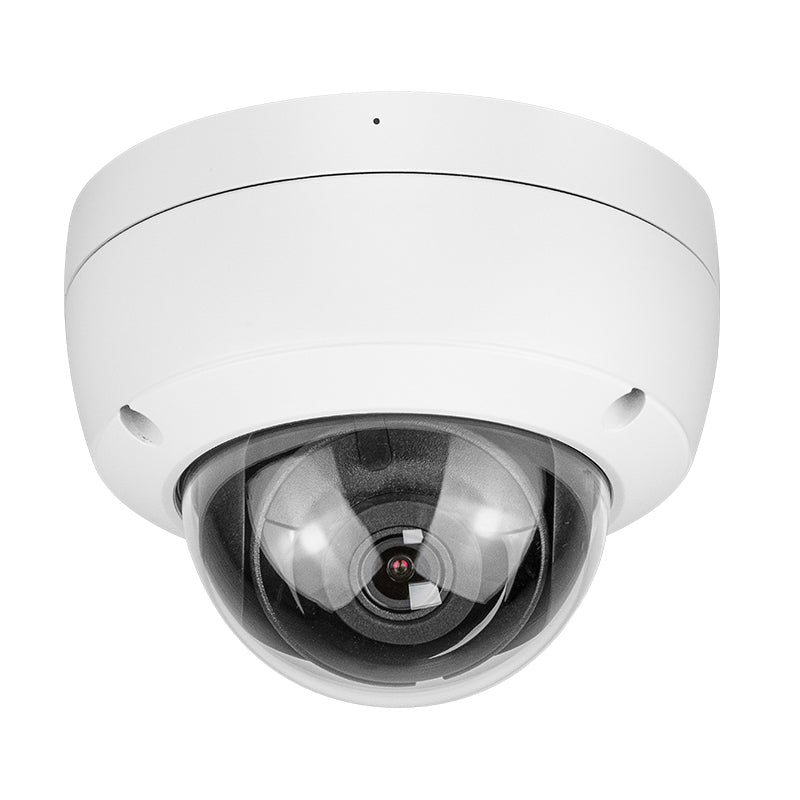
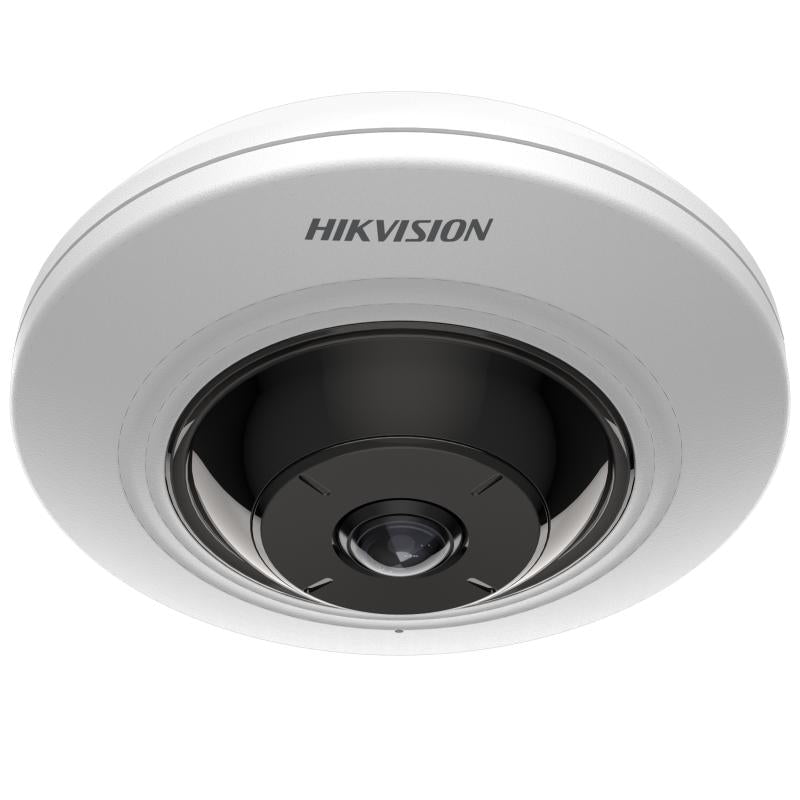
The 4MP DS-2CD2143G2-I has an IP67 weather-resistant and IK10 impact-resistant housing. It supports human and vehicle classification, line crossing and intrusion detection.
Bullet Cameras
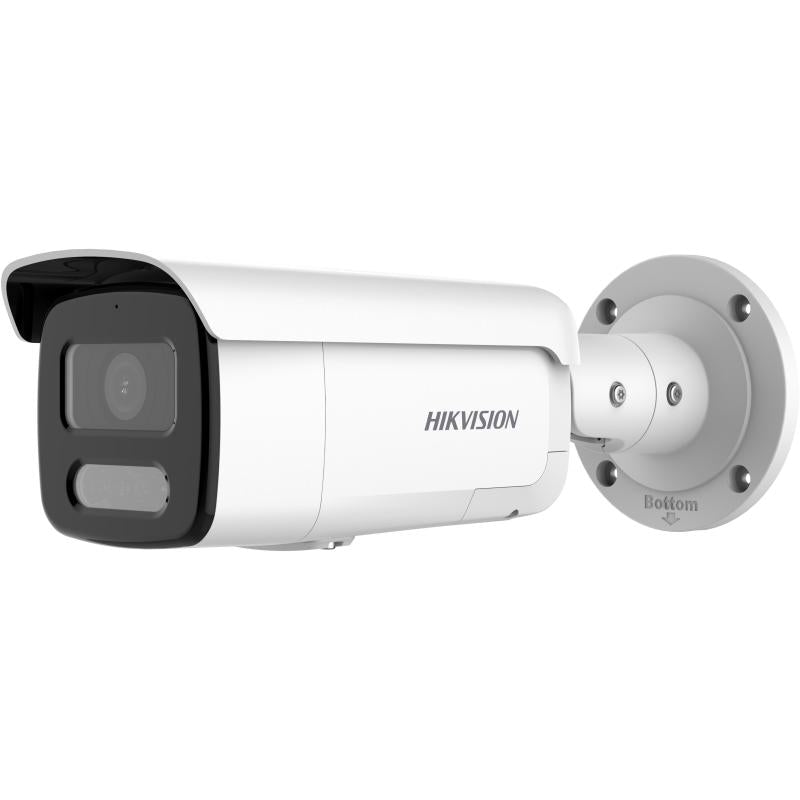
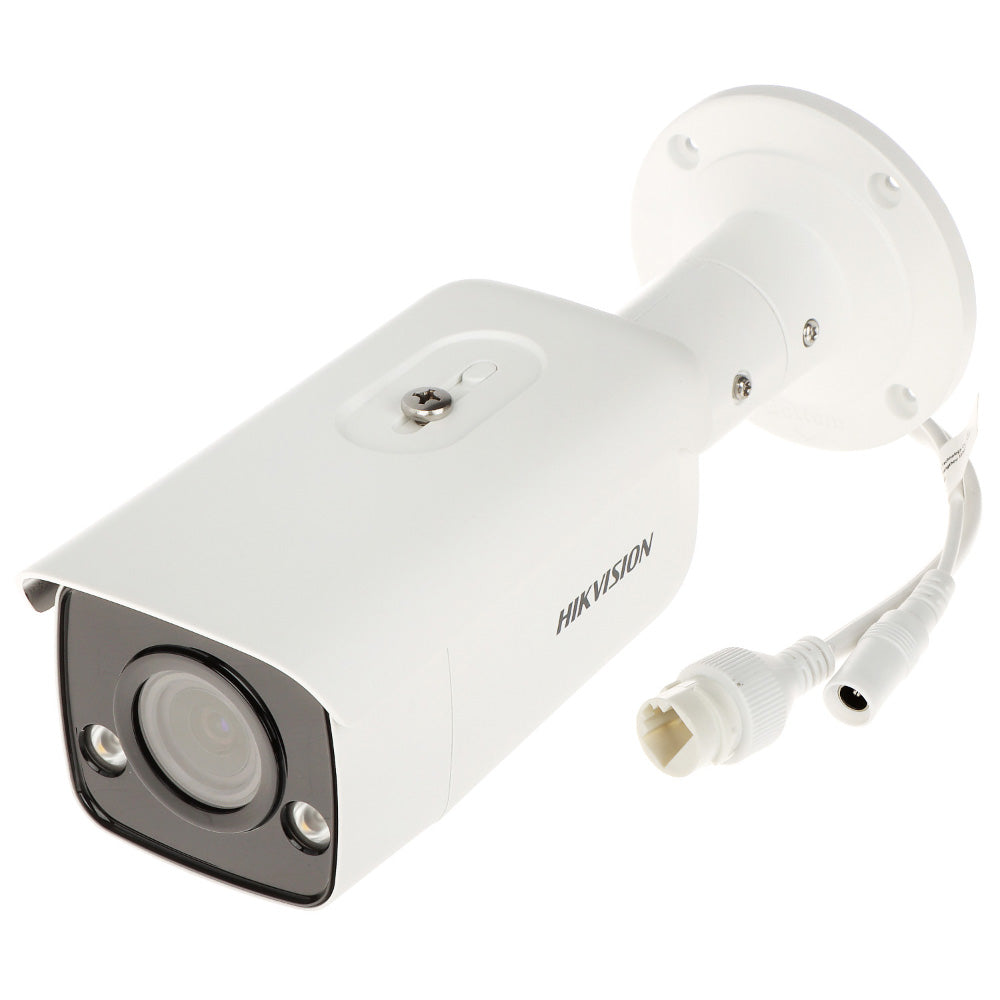
The 6MP DS-2CD2663G2-IZS uses a 2.8–12 mm motorized varifocal lens. Its viewing angle can be adjusted to cover a wider area or focus on a narrower section of the scene.
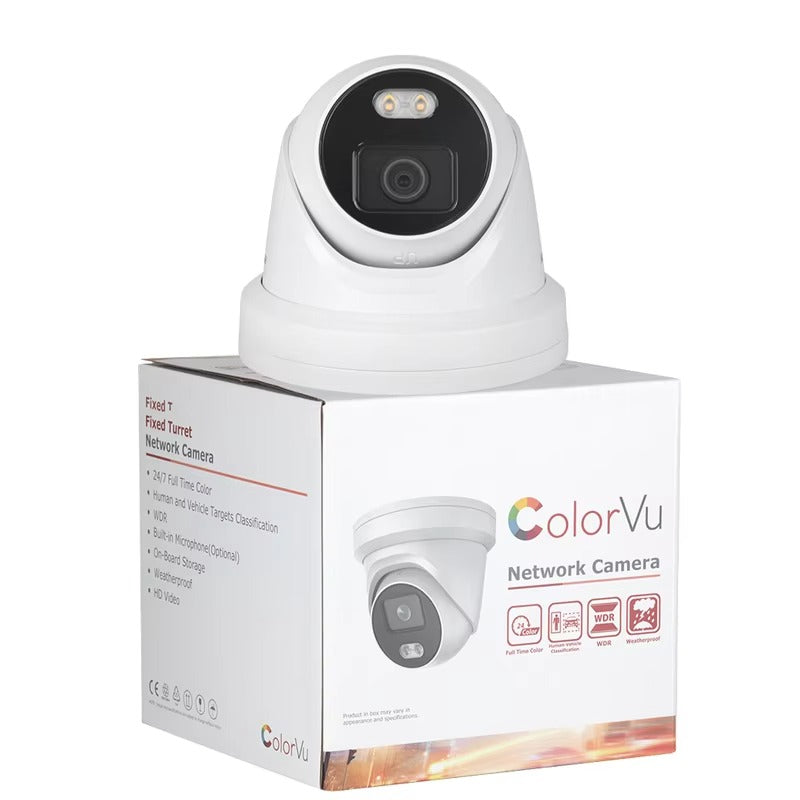
Turret Cameras
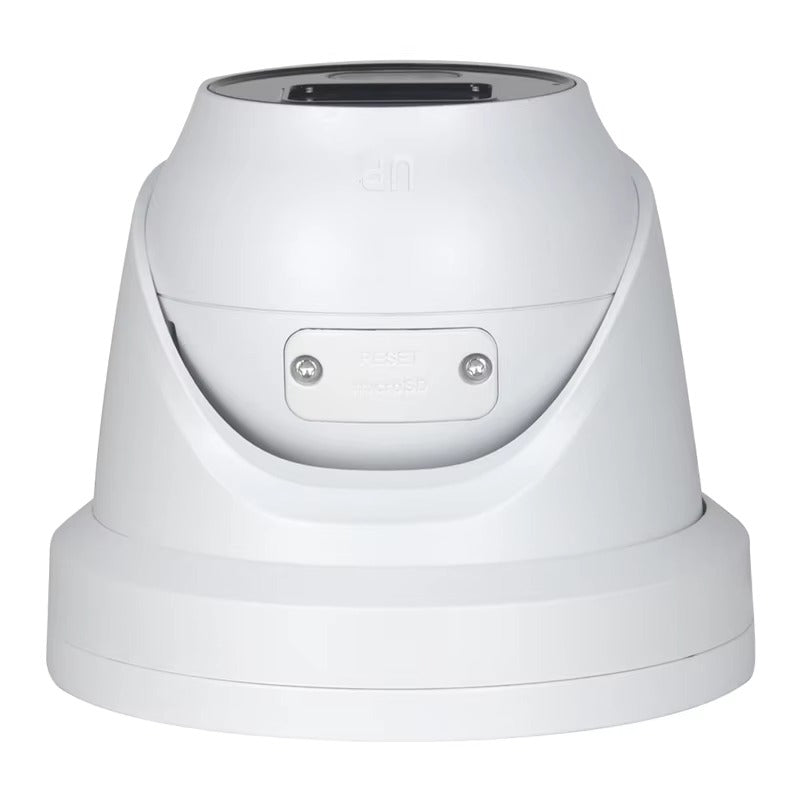
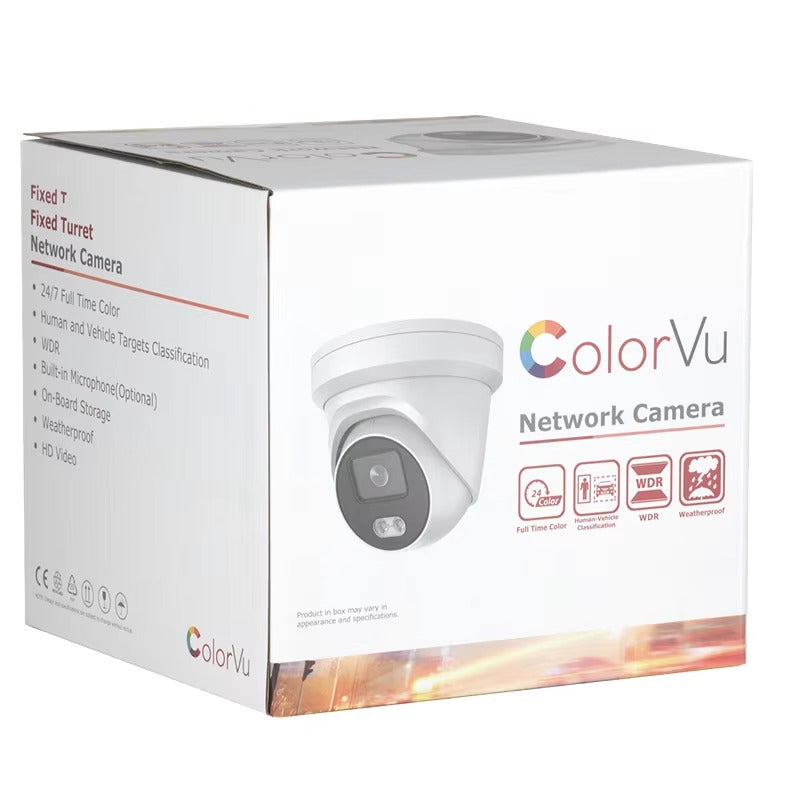
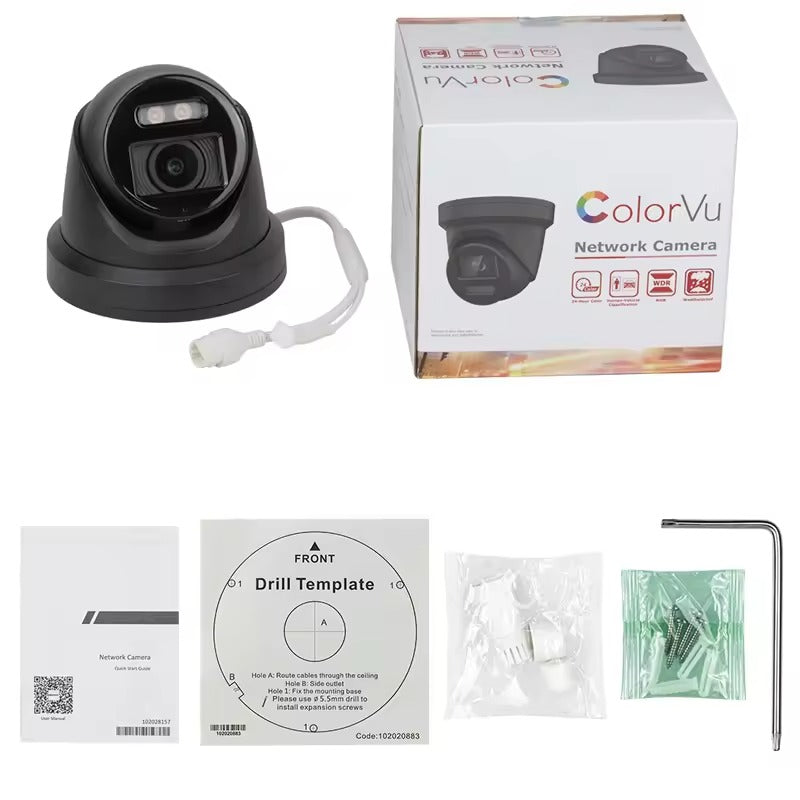
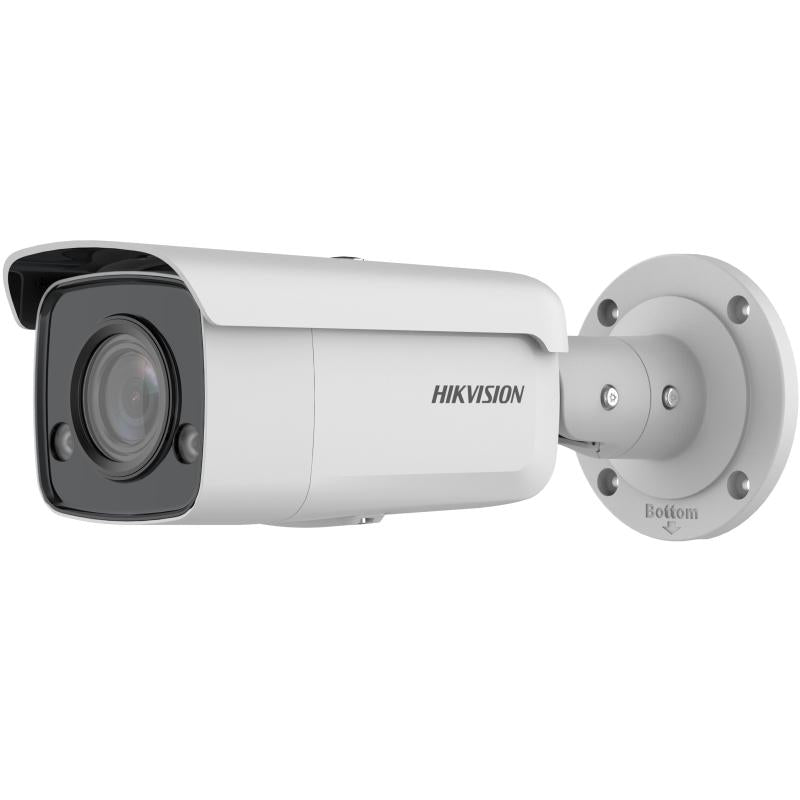
The 8MP DS-2CD2387G3-LIS2UY/SL combines human and vehicle classification with ColorVu imaging, Smart Hybrid Light and built-in active warning features.
These camera designs provide different installation and viewing options while retaining AcuSense's core human and vehicle detection capabilities.
Check Additional Alarm and Recording Features
AcuSense and active deterrence are separate functions.
Hikvision Live Guard uses built-in flashing lights and audible warnings to respond to security events. The DS-2CD2387G3-LIS2UY/SL includes a strobe light and audio alarm, while the DS-2CD2143G2-I focuses on intelligent detection without the same built-in warning devices.
For recording, AcuSense cameras can connect to NVRs that support their video protocols.
For intelligent video searches, an AcuSense NVR provides human and vehicle event filtering and target-based playback features.